Templates · People & Ops
Org Chart
Teams, people and reporting lines — the company directory that stays current.
The real reporting lines live in someone’s head, and every new hire re-learns them by asking around.
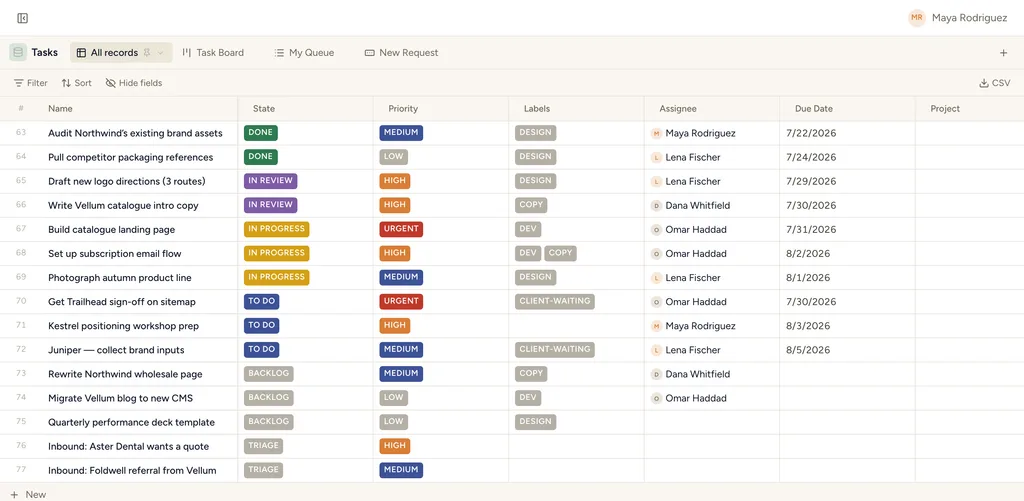
A real table view in StoryOS — the shape Org Chart installs.
What gets installed
2 connected databases, with fields, relations and views pre-wired.
Teams
Team Members
Ships with 2 saved views: Directory (table) · Teams (table)
How this template works
How this works
Teams group Team Members; every member links to a Manager (a self-relation on the same database), which is your reporting line. The Account field ties a directory entry to a real workspace user, so mentions and assignments connect.
Keeping it current
- New joiner → one record: Role, Team, Manager, Started, Location.
- The By team board is the living org chart; Managers answers "who reports to whom" — open any manager and their reports are on the record.
- Offboarding: don't delete — clear the Team and note the end in the record; history stays intact.
Tips
- A dedicated hierarchy view (real org-chart boxes) is on the roadmap; the manager relation you fill today will power it as-is.
Then put an agent on it
Ask your assistant who reports into a given lead, or which teams have no cover for a role, and it answers from the live records.
It runs on your own Claude or ChatGPT over MCP — never metered, never marked up — and every move it makes waits at an approval gate. How agent runs work →
More people & ops templates
Install Org Chart in one click.
Start free — 30 days of Pro, no card. Unlimited records, and your own AI is never metered.
Template contents synced from the product registry, 2026-07-26.