Templates · Marketing
YouTube comments
A source-ready inbox for channel comments and replies.
Your audience tells you exactly what to make next, in a comment feed nobody has time to read past the first twenty.
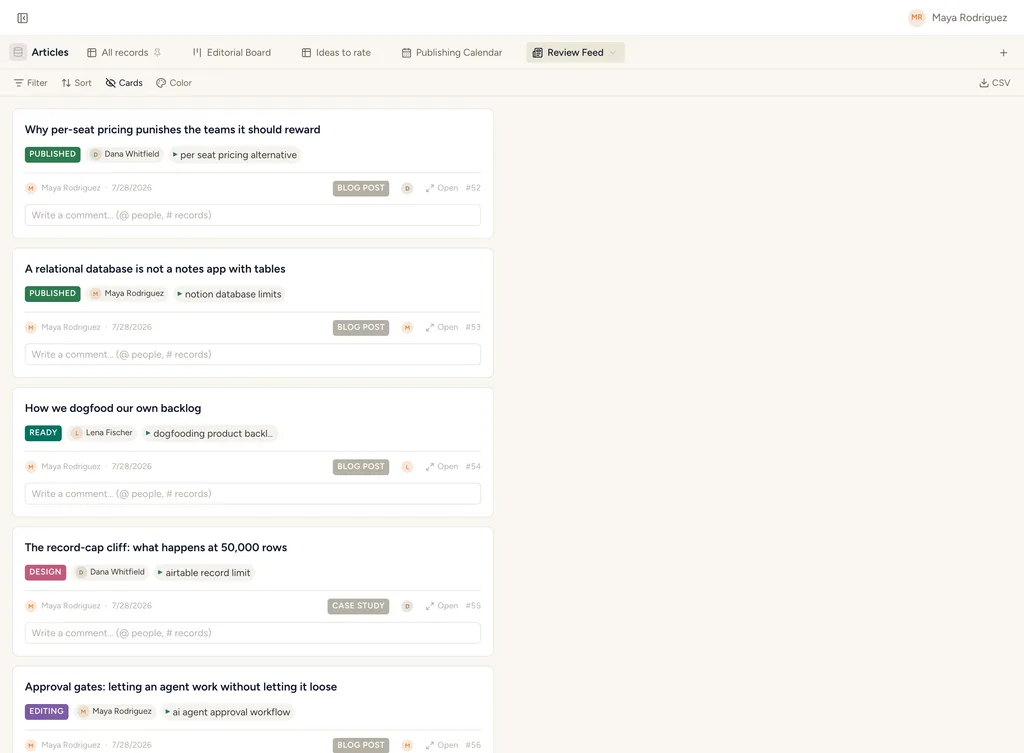
A real feed view in StoryOS — the shape YouTube comments installs.
What gets installed
1 connected database, with fields, relations and views pre-wired.
YouTube Comments
Ships with 2 saved views: Comment inbox (feed) · All comments (table)
How this template works
YouTube comments
Create this database from Settings → Integrations → YouTube, then add the YouTube comments source. The maintained fields match the source mapping one-for-one.
Then put an agent on it
An agent groups incoming comments by theme and surfaces the questions asked most often as candidate video ideas.
It runs on your own Claude or ChatGPT over MCP — never metered, never marked up — and every move it makes waits at an approval gate. How agent runs work →
More marketing templates
Calendar
A ready-to-sync event calendar with dates, notes, status and location.
YouTube videos
A source-ready catalog for videos from a connected YouTube channel.
YouTube metrics
Daily video metric snapshots ready for the YouTube metrics source.
See the bigger picture: how marketing teams run on StoryOS →
Install YouTube comments in one click.
Start free — 30 days of Pro, no card. Unlimited records, and your own AI is never metered.
Template contents synced from the product registry, 2026-07-26.